SPEECHMA

Voiceover planning

Make a voiceover plan with speechma video

Speechma can be a starting point for a voiceover workflow, but this page is a guide, not a video editor. Start with the words you want heard, then check their timing against the pictures before you commit to a final cut.

Keep your script to paste into the tool
Speechma landing visual accompanying the voiceover planning guide

A voice track starts with a clear job

Decide what the audience must learn from the narration that the pictures cannot show alone. These related Speechma guides help you choose whether to focus on wording, the voice, or the resulting audio.

How narration serves a cut

A useful voiceover can explain a sequence, bridge a transition, or give a scene a point of view. Pick one purpose first; trying to narrate everything often crowds out the visuals.

Product demonstrator

A short screen recording shows where to click, but not why the action matters.

Write one sentence per decision, then leave room for viewers to see each action. The text-to-voice guide is the closest next step for a prepared script.
speechma text to voice

Documentary editor

A sequence of interviews needs a brief spoken bridge between topics.

Use narration to supply missing context without restating an interviewee's words. The audio guide helps frame the track as part of the wider sound mix.

speechma audio

Course creator

An instructional clip needs a consistent narrator across several lessons.

Settle on a delivery style and pronunciation notes before revising every slide. The AI voice guide covers that voice-focused decision.

speechma ai voice

Social editor

A fast montage needs a concise opening and a closing line.

Draft only the words that anchor those moments, leaving the middle open to music or natural sound. The text-to-voice guide helps you work from those written lines.

speechma text to voice

Build the voiceover step by step

Keep the script and picture edit separate until each has a clear shape. Then listen to them together rather than judging the words on the page.

  1. 1

    Mark the moments that need speech

    Watch the cut without narration. Note where an explanation, transition, or invitation is genuinely missing; do not fill every quiet moment.

  2. 2

    Draft for the ear

    Write short sentences and spell out names or unusual terms as you want them pronounced. Read the draft aloud to catch phrases that look fine but sound awkward.

  3. 3

    Check the voice against the cut

    Take your prepared text to the linked voice tool, then assess any result in your editing workflow. Adjust wording, pauses, or picture timing if the speech competes with an important visual.

Limits and edges of this route

This Speechma page explains a workflow and links to a voice tool. It cannot inspect your footage or verify which controls and output options are available after you leave the site.

1

No video editing on this page

You cannot upload footage, move clips, add captions, or render a finished movie here.

What to do instead

Make picture and timeline changes in your own editor; use this guide to prepare the narration.

2

No automatic synchronization

A good script does not guarantee that speech will land on the right frame or fit an existing cut.

What to do instead

Test the spoken track against the timeline and revise the script or edit where needed.

3

No guaranteed voice or export options

This static guide cannot confirm a particular voice, language, file format, or download control on the destination.

What to do instead

Check the available options in the linked tool before planning delivery around one of them.

What the script handles and what the editor handles

Voiceover script Picture edit
Primary job Say what the viewer needs to hear. Show what the viewer needs to see.
Starting material A written draft with names and pronunciation notes. Footage, graphics, and an assembled timeline.
Timing check Read aloud to estimate pacing and pauses. Check speech against cuts and on-screen actions.
Revision Shorten or rephrase crowded sentences. Hold a shot longer or move a transition.
Sound context Leave room for intentional silence. Balance narration with music and natural sound.
Final review Listen for clarity and mispronunciations. Watch and listen to the complete sequence.

Picture the handoff

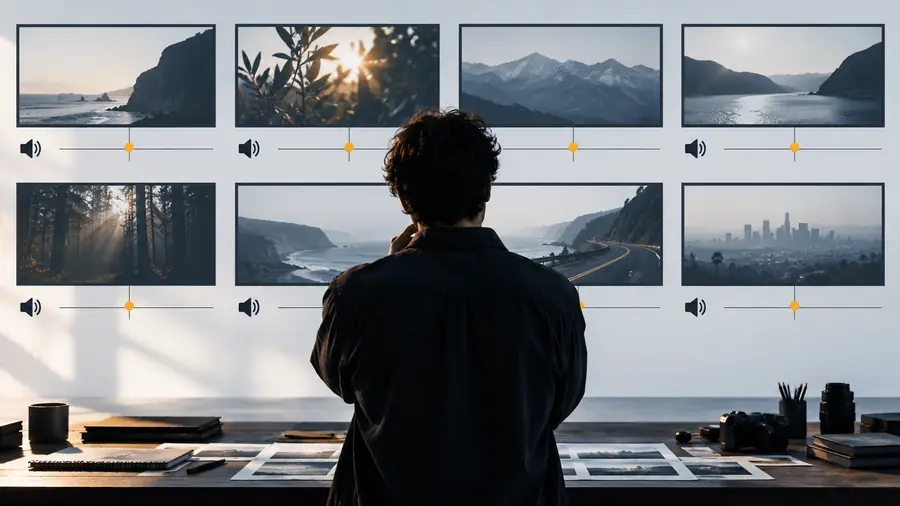
Illustrative visual representing a scene before narration planning
Picture-led draft
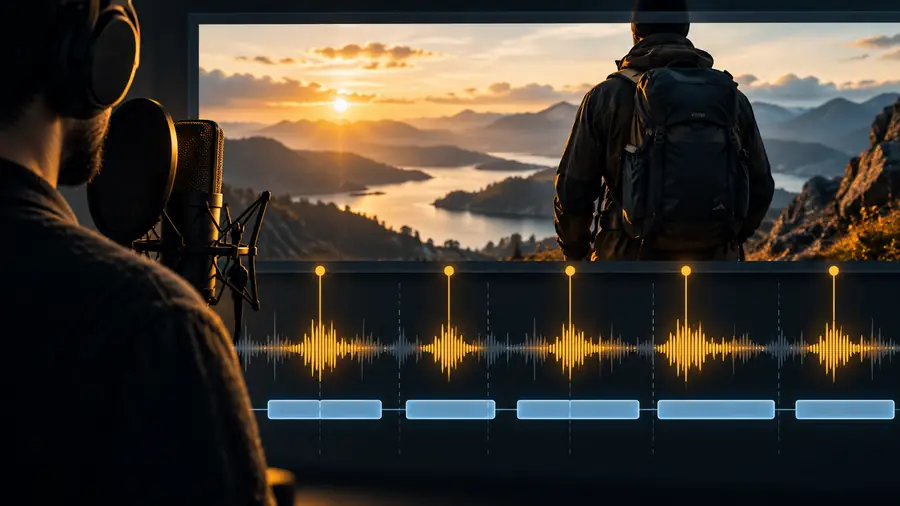
Illustrative visual for the Speechma video voiceover workflow
Voiceover plan

These visuals illustrate a planning handoff, not an actual conversion or a verified output from the linked tool. The real test is whether the spoken words make the cut clearer.

Picture-led draftVoiceover plan

Take a prepared script to the voice tool

Keep your draft nearby when you follow the link. Check the destination's current options, listen critically to any voice you make there, and bring the result back to your own editor for a full picture-and-sound review.

Ready to hear the narration?

  • Start with words written for listening
  • Check pronunciation and pacing
  • Review the voice alongside your cut
Explore voice tools

Questions about Speechma and video

No. This is a static guide to planning a voice track, not an editor that assembles or exports footage. Use your own editing software for the finished cut.

Identify where speech helps the viewer, write those lines, and read them aloud before trying a voice tool. Then check any resulting narration against your footage and adjust the words or timing as needed.

This page makes no such promise. Treat synchronization as an editing check: listen with the pictures, mark lines that arrive too early or late, and revise the script or timeline.

A rough script can help plan a cut, but a locked script may become awkward when footage changes. Start with the key points, assemble the pictures, and refine the spoken lines around what the viewer can already see.

Not from this guide alone. Available voices and output options must be checked at the linked destination before you commit to a production requirement.

Open voice studio
Open voice studio