Script writer
A paragraph looks polished on screen but contains long clauses and unexplained abbreviations.
Shorten the sentences and expand terms before testing the spoken version. Speechma points script-led work toward a more focused route.
Before you begin
Start with a short script, a clear audience, and a description of how the delivery should sound. Speechma is a guide to the workflow; the linked voice tool is where you can explore generation. Keep the source text handy so you can compare any spoken result with what you intended.
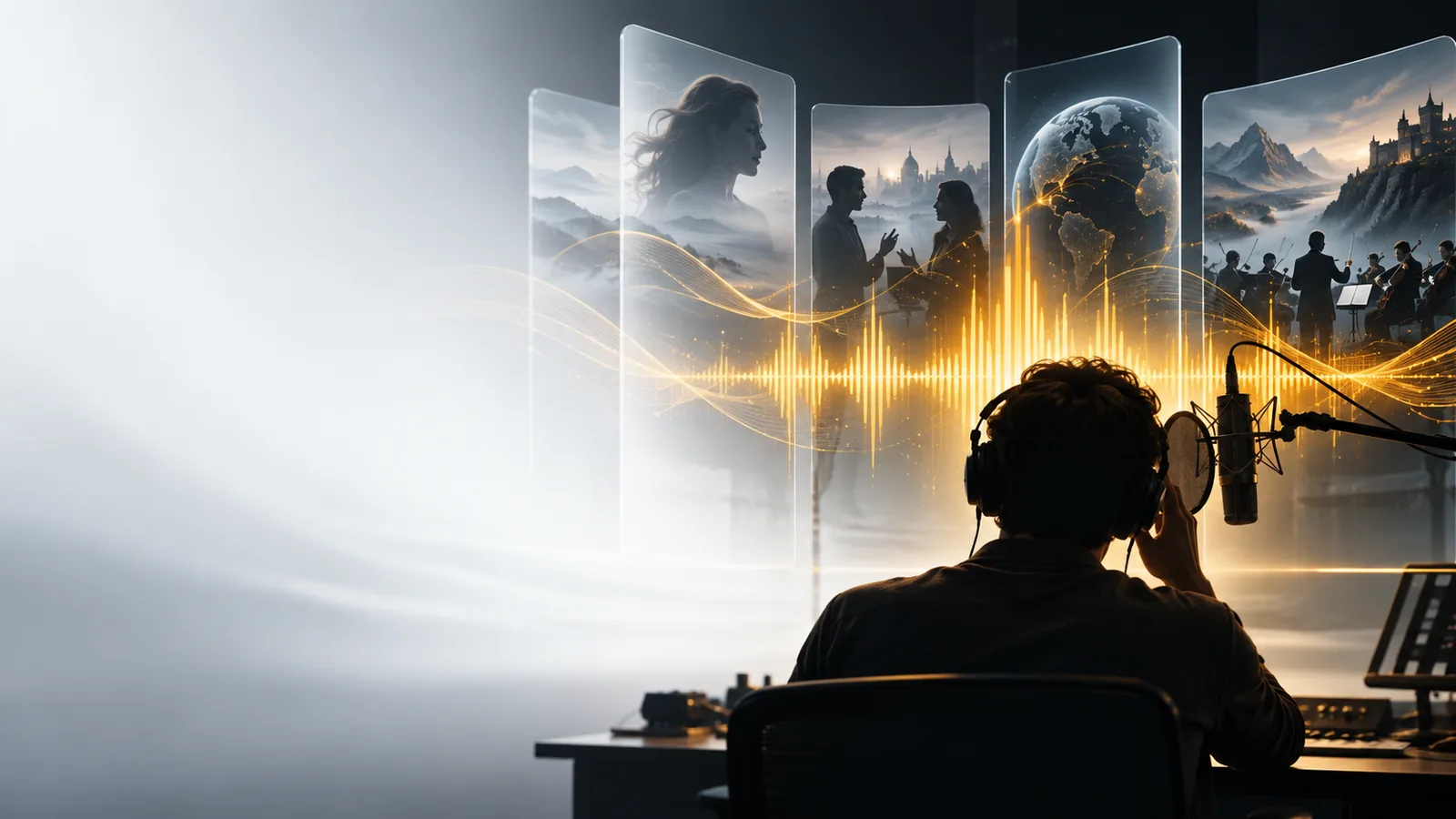
Here is a practical run-through for a short introduction. Treat it as a review process, not a promise that every voice tool has the same settings.
Draft two or three sentences that make sense without a screen. Spell out unusual names, separate long clauses, and decide where a pause would help. Speechma recommends keeping a copy of this draft for comparison.
Give the linked tool the script and a concise direction, such as calm narration for a museum welcome. If the tool offers voice or pacing choices, test only those you can actually see; Speechma does not assume a particular control exists.
Check every word, especially names, numbers, and the end of each sentence. Revise the text or delivery direction if the result is unclear. Speechma treats this listening pass as part of the work, not an optional finishing touch.
Separate decisions you can make before opening a tool from checks that require hearing a result. Neither column describes a guaranteed Speechma product control.
| Before using the voice tool | After hearing a result | |
|---|---|---|
| Script | Choose the exact words and remove sentences that are hard to follow aloud. | Compare the spoken words with the draft and correct omissions or awkward phrasing. |
| Audience | Name the listener and the purpose of the message. | Ask whether the delivery is understandable to that listener. |
| Tone | Write a brief direction such as restrained, welcoming, or instructional. | Listen for a mismatch between the intended tone and what you hear. |
| Names | Mark unfamiliar names and note the pronunciation you intend. | Check each name by ear; rewrite the source text if needed. |
| Pacing | Break up long sentences and place punctuation where a pause helps. | Note passages that feel rushed or disconnected. |
| Final use | Decide where the speech belongs and who will approve it. | Review the complete message in its intended context before using it. |
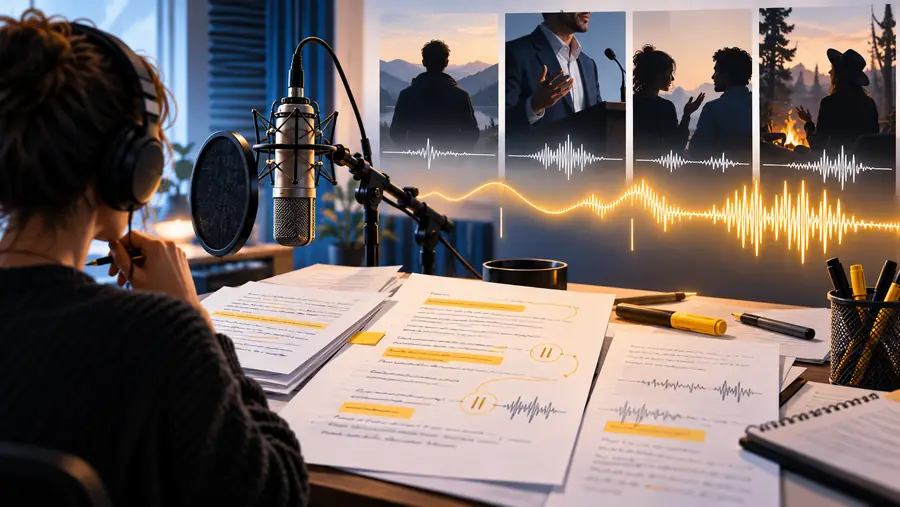
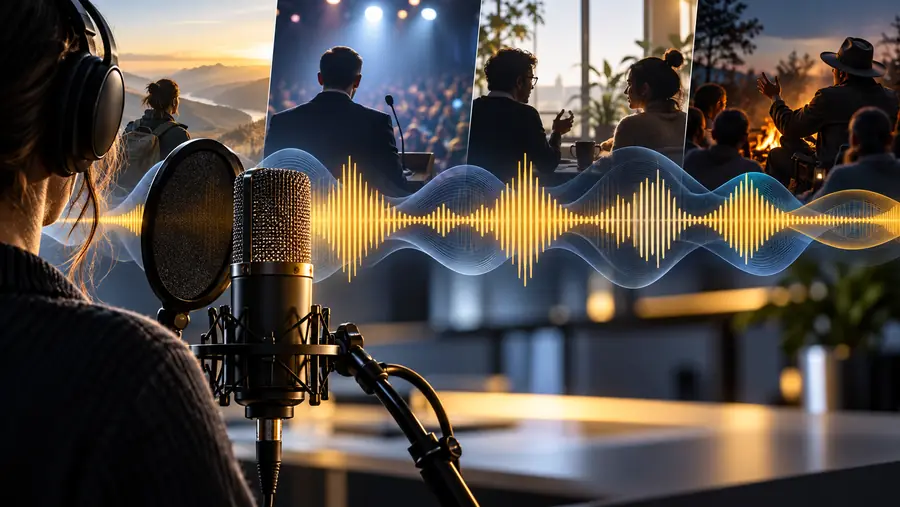
These images illustrate stages of the workflow, not a verified before-and-after output. Speechma cannot judge pronunciation or clarity from a script alone; listen to the actual result.
Before: planned deliveryAfter: listening reviewMost avoidable problems begin with an unclear source or an unchecked result. Use the situation closest to yours to decide what to review next.
A paragraph looks polished on screen but contains long clauses and unexplained abbreviations.
Shorten the sentences and expand terms before testing the spoken version. Speechma points script-led work toward a more focused route.
The words appear correct, yet a name sounds wrong or a pause changes the meaning.
Listen with the source text beside you and record specific fixes rather than approving the first pass. Speechma keeps the review separate from the initial draft.
A narration makes sense alone but runs across a scene change or leaves no room for an important visual.
Check the speech against the edit and rewrite for the available space. Speechma treats scene timing as a planning concern, not a guaranteed tool feature.
Bring your draft, delivery direction, and review checklist. The link opens an external voice tool; inspect its available options there, then listen critically before using any result. Speechma provides the preparation guide, not a guarantee about the tool’s controls or output.
It refers to this Speechma guide for preparing and reviewing a voice-generation task. Speechma links to a separate voice tool for the generation step. This page does not claim that the guide itself creates audio.
A complete script helps you assess whether the spoken result says what you meant. For an early test, even a short passage is useful if it includes the names, tone, or sentence structure you need to check. Keep that passage so you can compare it with what you hear.
Available choices depend on the linked tool, so check its interface rather than assuming a setting exists. You can still prepare a plain-language direction for the delivery you want. Judge the result by listening, even when a setting appears to match your request.
A spoken result can sound plausible while mishandling a name, number, pause, or intended emphasis. Compare it with your source text and listen in the context where it will be used. Revise the text or direction when a specific passage does not work.
No. Speechma explains a preparation and review workflow, while the closing action takes you to an external tool. Check that tool directly for its current capabilities and any conditions that apply before using it.